Support
Support
Welcome to Joulescope Support! Whether you're exploring Joulescope for the first time or are a seasoned expert, we're here to help. Look below for answers, resources, and guidance to get the most out of your Joulescope.
Sales
How quickly do you ship?
We typically ship the same business day for all orders placed by 3:00 pm USA Eastern Time (ET). ET is UTC-5 during standard time Nov - Mar and UTC-4 during daylight saving time Mar - Oct.
How long does standard US shipping take?
We use UPS ground for standard shipping. Depending on your location, ground takes 1 to 5 business days. Visit UPS for a map.
Do you have distributors?
Yes! See our distributors page.
Do you offer demo units or loaner units?
No, but we do have a very generous 45-day return policy! Buy a Joulescope today. If you are not happy, we will take it back.
Can you ship to my country?
Yes, usually. We ship globally to most countries except where prohibited by USA law. We have shipped Joulescopes to many countries, and most Joulescopes arrive without any special support. Our standard commercial invoice is usually sufficient for customs clearance.
You (the importer) are responsible for all import duties, tariffs, VAT/GST, and fees.
If your customs office or broker requests more information, we are happy to assist. Please contact sales with your order number and the list of requested documents
Can you mark my order as a “sample” or “gift” to avoid duties or taxes?
No. We must declare the true value and accurate description of all shipments to comply with US and international customs laws. We cannot mark paid orders as "sample," "gift," "no commercial value," or reduce the declared value.
You (the importer) are responsible for all import duties, tariffs, VAT/GST, and fees.
How do I apply a discount code?
If you have a discount code, you apply it during checkout. Enter it into the Discount code box and click the Apply button. Your cart does not show the discounted price.
How do I get a quote?
Please contact sales. In your message, include:
- The list of items and quantities you want quoted.
- Your shipping information including name, address, email, and telephone.
If you plan to order through a distributor, please request a quote directly from the distributor.
How do I place a purchase order?
Purchasing by credit card is the fastest and easiest way to buy Joulescopes. Even if you need to follow your company's PO process, check if accounting can place the order using a credit card.
We do offer purchasing using the quote / purchase order / invoice process with NET30 terms to qualified customers. Contact sales@joulescope.com.
Becoming an approved vendor to larger companies takes time. If we are not already an approved vendor and you need a Joulescope quickly, consider using a credit card or purchasing from a distributor that is already approved.
Do I need ISO 17025 calibration?
ISO 17025 calibration is often required for safety-critical work, including medical and automotive. If you don't know that you need it, you probably do not. All Joulescopes are factory calibrated and guaranteed to meet specifications.
Technical
Where can I find documentation?
If you are just getting started with your Joulescope, the best resource is the Joulescope User’s Guide for the JS320, JS220, and JS110. It contains information on getting started, describes how to use your Joulescope, and has detailed information on Joulescope specifications.
Also, see the Joulescope UI User's Guide.
Can I use Joulescopes with higher voltages?
Yes! You do need to add a few external components.
See the Joulescope JS320 User's Guide for details. Jump to Section 9.6 Measure Higher Voltages.
How can I make a multi-channel measurement?
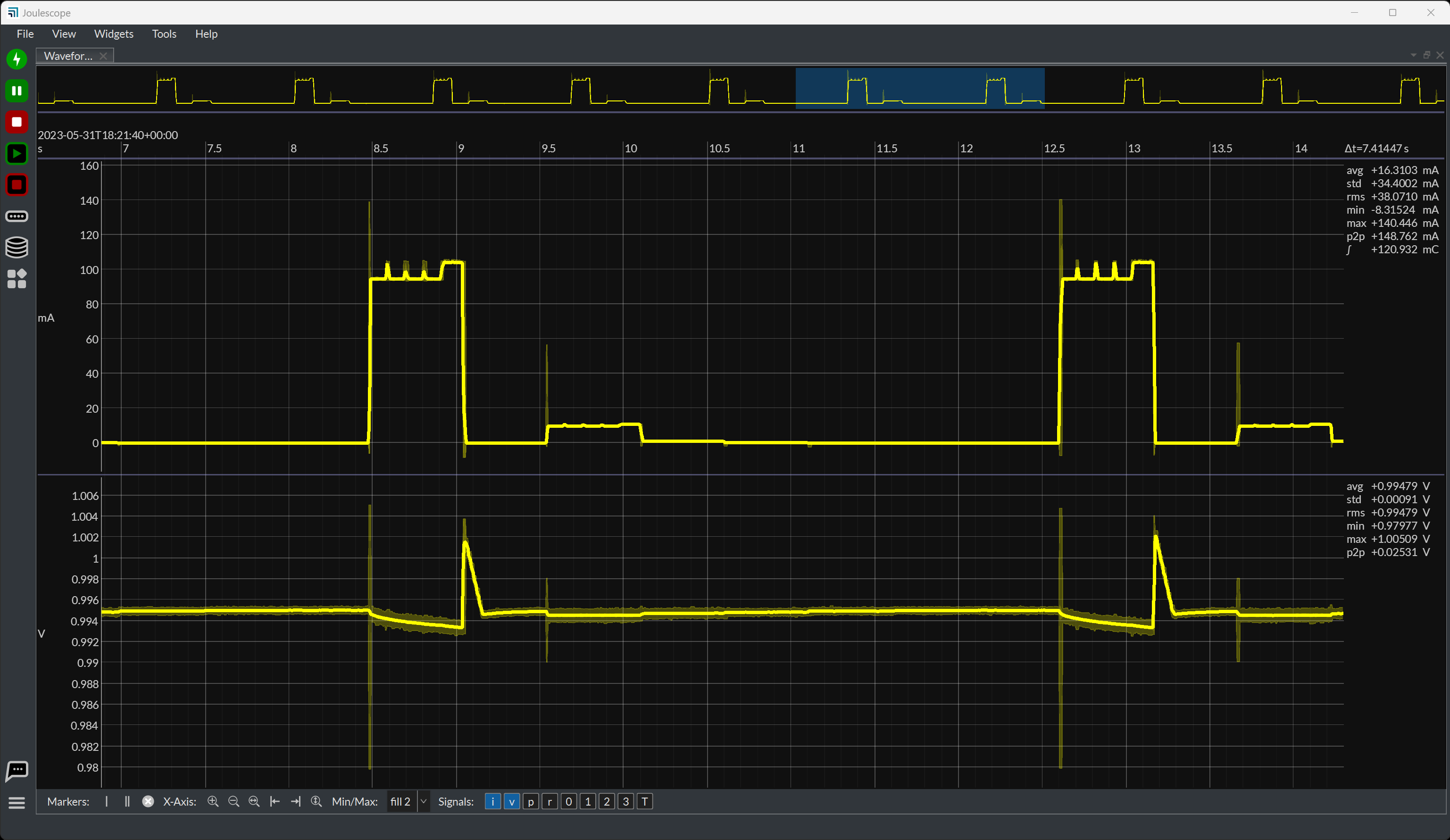
You can use multiple Joulescopes at the same time with the same host computer! The Joulescope UI will display up to four channels in the Waveform widget.
Joulescopes produce a lot of data. A single USB root hub supports up to 3 Joulescopes. Your host computer needs additional root hubs (such as a PCIe to USB expansion card) to support more Joulescope at full rate. With the JS320 and JS220, you can use on-instrument downsampling, which reduces USB bandwidth. At 10 kHz, a single USB root hub can support many Joulescopes.
Can I use a Joulescope to measure only voltage?
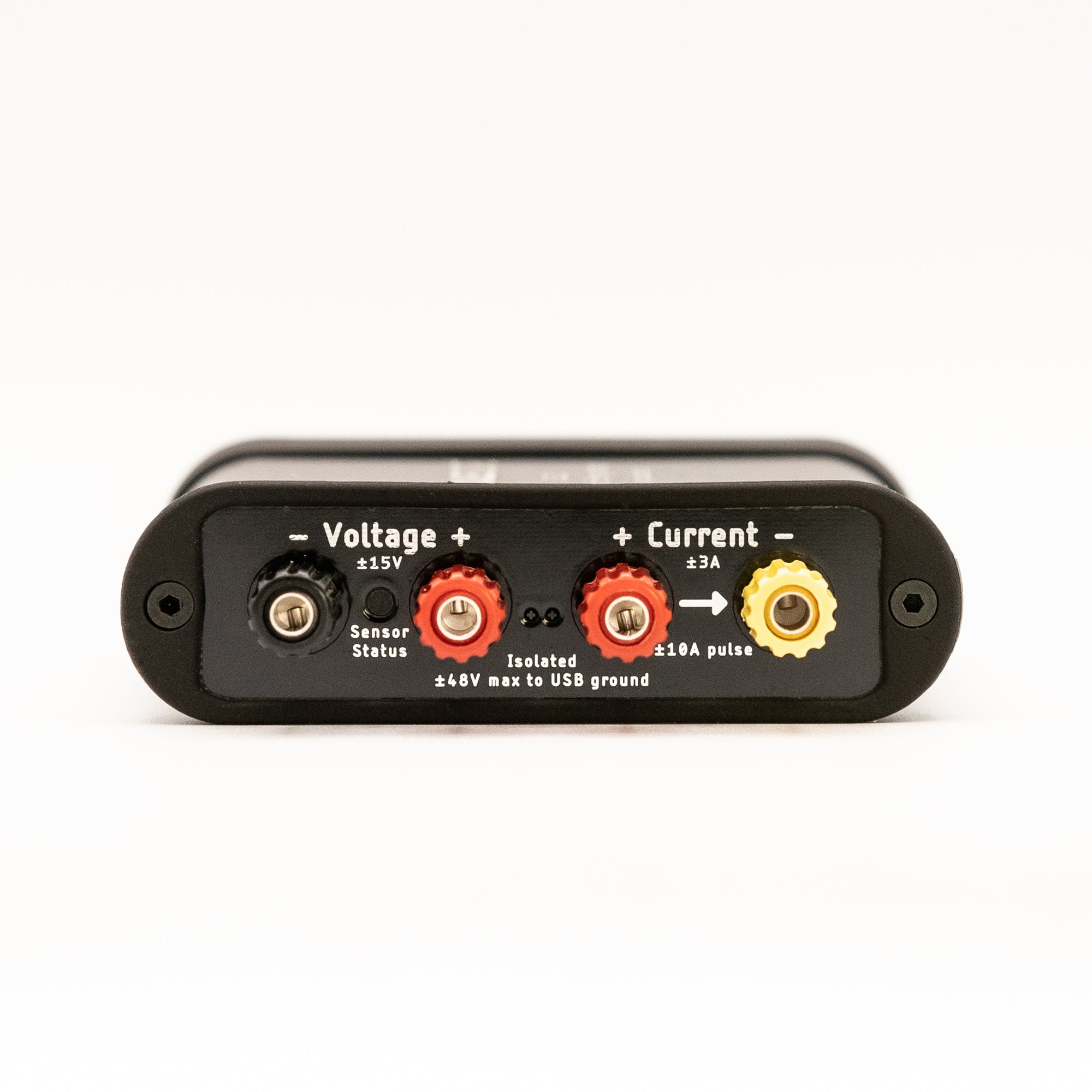
Yes! Joulescopes are both electrically isolated and have floating inputs. You need to ensure that the voltage terminals remain within ±15 V of I+. Since the voltage inputs are high impedance, they will drift out of the common mode range without an electrical connection. The most common approach is to short V+ to I+. See the Joulescope JS320 User's Guide Section "How to Connect Your Joulescope" for this and other common setups.
Can I use a Joulescope to measure only current?
Yes! Joulescopes measure the current flowing through I+ and I-. Simply connect the Joulescope in series. If you want the voltage to read zero, short V-, V+, and I+.
How many Joulescopes can one host computer support?
The Joulescope host software does not impose a limit on the number of Joulescopes connected at the same time. In practice, the limits come from the UI display, USB bandwidth, and USB topology.
The Joulescope UI Waveform widget can display up to 4 plots at a time, but you can add multiple Waveform widgets to display more instruments.
At the full 1 MSPS streaming rate, a single USB root hub can support up to 3 Joulescopes simultaneously. Desktop computers can often support more by adding PCIe USB expansion cards, which provide additional USB root hubs.
If you configure the Joulescopes to downsample on-instrument before sending data over USB, a single USB root hub can support many more devices. For example, at 100 kHz, one USB root hub can support more than 20 Joulescopes.
If you only need statistics data, such as the data shown in the multimeter view, USB bandwidth requirements are very low. In that case, the theoretical USB limit is 127 devices per root hub, though practical system limits may be lower.
What is the difference between factory calibration and ISO 17025 calibration?
All Joulescopes are calibrated in the factory and meet the specifications given in the Joulescope JS320 User's Guide (Section 7 Specifications). While factory testing follows industry best practices, it does not conform to any standard.
The ISO 17025:2017 calibrated units undergo additional testing at our accredited lab partner, Tra‑Cal. They validate that the instrument meets its specifications and issue a paper certificate, which is included with the instrument. ISO 17025 calibration is often required for safety-critical work, including medical and automotive.
What operating systems does the Joulescope software support?
We officially support the most recent stable versions of Windows, macOS, and Ubuntu. You can usually run the Joulescope software natively on other Linux distributions.
Visit the downloads page.
How do I recalibrate my Joulescope to ISO 17025?
Our accredited lab partner, Tra-Cal, offers recalibration service in the USA. You can request a quote. You do not need to have originally purchased an ISO 17025 unit to get ISO 17025 recalibration.
The recalibration process does not adjust the instrument's behavior. It simply verifies that the instrument is operating within specifications.
If you have a preferred lab or internal metrology lab, they can follow the instrument Verification Procedure described in the User's Guide.
Ensure that the lab has sufficient equipment in scope to guarantee a good test uncertainty ratio (TUR). The most demanding measurements are typically 18 µA and 3 A.
For the JS320, see Section 17.1 Verification Procedure in the Joulescope JS320 User's Guide.
For the JS220, see Section 17.1 Verification Procedure in the Joulescope JS220 User's Guide.
For the JS110, see Section 16.1 Verification Procedure in the Joulescope JS110 User's Guide.
How can I recover a corrupted JLS file?
Our proprietary but open-source JLS file format is designed to recover from most errors. However, some errors are not automatically recoverable. For these cases, you can copy the corrupted JLS source file to a new destination the file by replaying the data using our Python tools. Install Python for your system, and then run the following commands:
python -m pip install pyjls
python -m pyjls copy src.jls dst.jls
Replace src.jls and dst.jls with your actual source and destination JLS files. Then open dst.jls in the Joulescope UI.
Where can I get the open-source software?
The Joulescope host software is open source, which you can find on GitHub:
Where can I get the open-source front panel designs?
The Joulescope front panels are open-source hardware designs. The repos even include a KiCAD template project to help you get started quickly.
- JS220 Front Panel repo - compatible with JS320
- JS110 Front Panels repo
Where can I ask technical questions?
The Joulescope Forum is an interactive website where you can see posts from other Joulescope Users and post your own topics. We are very active and responsive on the forum, and the forum is the best place to publicly discuss your Joulescope issues, challenges, and ideas.
You can send private, technical questions to support@joulescope.com.
Still have questions? Visit the forum or contact us.
Ready to Purchase?